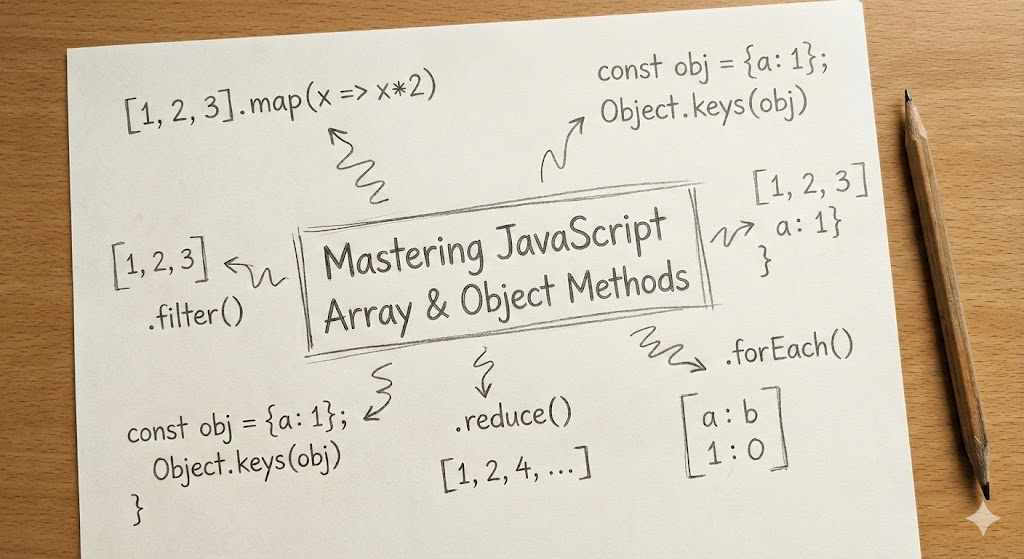
Common JS APIs
regular for loop
jsnumbers = [1,2,3]
for (const num of numbers){
	console.log(num)
}
.forEach
when you just want to do something with each item in an array
input: cb cb input: single item of array cb output: none output: none (only the action gets performed)
jsnumbers = [1,2,3]
numbers.forEach(num => console.log(num))
.map()
to create a new list when you don't want to change the original list, you want a brand-new, transformed one.
input: cb cb input: single item of array cb output: transformed item of the array output: array with the transformed items
jsnumbers = [1,2,3]
const doubledNumbers = numbers.map(num => {
	return num*2
})
So, the key difference is:
.forEach()just does an action for each item. It doesn't give you anything back..map()transforms each item and returns a new array with the transformed items.
.filter()
to create a new list of specific items from the original list. use some conditions to do so.
const filteredArray = arr.filter((array_item)=>{return true/false}) -> returns an array
input: cb cb input: single item from array cb output: BOOLEAN true or false based on the condition output: filtered new array
jsnumbers = [1,2,3,4,5,6,7]
const evenNumbers = numbers.map((num) => {
	if(num%2==0) return true;
	else return false;
})
.reduce()
you "reduce" an entire array down to a single value. That single value can be anything: a number, a string, an object, etc.
.reduce() works with two main things:
- An accumulator: The value you're building up (your running total).
- A current value: The item from the array you're currently looking at.
input: (cb, init accu val) cb input: accu, currVal cb output: new accu value output: any
array.reduce( (accumulator, currentValue) => { ... return the new accumulated value}, initialValue)
note: init value in reduce() is optional. if not provided, it gets set as the first value of the array.
jsconst prices=[10,20,30]
const total = prices.reduce((sum, price) => {
	sum+=price;
	return sum;
}, 0) // initial sum is 0
You've conquered the hardest one! The key is that .reduce() boils an entire array down to one single thing.
.find()
looks thru the array based on the condition provided. if found, returns that array item, else returns undefined
cb input: array item cb output: boolean output: array item or undefined
jsconst users = [
	{name:"abc",id:1,isGay:false},
	{name:"def",id:2,isGay:false},
	{name:"xyz",id:3,isGay:true},
]

const gayUser = users.find(user => {
	return user.isGay==true
})
.some() & .every()
.some() asks: "Did I get true at least once
eg: is it anyone's bday today?
.every() asks: "Did I get true for every single one?"
eg: is everyone here above 18?
.some()
cb input: array item cb output: true/false output: true/false
every()`
cb input: array item cb output: true/false output: true/false
jsconst ages = [14, 25, 12, 30];
const areAllAdults = ages.some( (age) => {
	return age>=18
});
console.log(areAllAdults); // Should be true

const ages = [14, 25, 12, 30];
const areAllAdults = ages.every((age) => {
	return age >= 18;
}); // It checks 14, sees that 14 >= 18 is false, // and immediately stops and returns false.
console.log(areAllAdults); // false
includes()
checks if provided value is present in the array or not
Note: It uses strict equality (===), meaning [2].includes('2') would be false.
no callback function as well input: any value output: true/false
jsconst allowedPets = ['cat', 'dog', 'fish'];
// Check if 'dog' is in the array
const canIHaveADog = allowedPets.includes('dog'); console.log(canIHaveADog); // Should be true
.sort()
converts each item of an array into a string and sorts them. for numbers, use compare cb function
input: none if sorting strings, else compare function cb input: a and b if a-b < 0, a comes before b else if a-b > 0, a comes after b else if a-b == 0, a is equal to b cb output: +ve, -ve or 0 output: none, sorts array in place
eg:
jsconst marks = [1,2,90,23,45,5];
marks.sort((a,b)=>a-b);
console.log(marks);
.slice() vs .splice()
.slice()
- Does NOT change the original array.
- Returns a new, shallow copy of a portion of the array.
- Think of taking a slice of cake. The original cake is still intact.
- Syntax:
array.slice(startIndex, endIndex)(theendIndexis not included).
.splice() 👨⚕️
- DOES change the original array.
- It can remove, replace, or add new elements.
- Think of a surgeon performing surgery. The patient is permanently changed.
- Syntax:
array.splice(startIndex, deleteCount, itemToAdd1, itemToAdd2, ...)
eg:
jsconst names = ['Alice', 'Bob', 'Charlie', 'David'];
// At index 2, remove 1 item
names.splice(2, 1);
console.log(names); // ['Alice', 'Bob', 'David']
Object.keys() and Object.values()
Object.keys(obj)
This gives you an array containing the keys (property names) of an object.
Object.values(obj)
This gives you an array containing the values of an object.
| Method | What It Does | Returns |
|---|---|---|
.forEach(fn) | Executes an action for each item. | undefined |
.map(fn) | Transforms each item into a new item. | A new array |
.filter(fn) | Selects items that pass a test. | A new array |
.reduce(fn, i) | Boils all items down to a single value. | A single value |
.find(fn) | Gets the first item that passes a test. | A single item or undefined |
.some(fn) | Checks if at least one item passes a test. | true or false |
.every(fn) | Checks if all items pass a test. | true or false |
.includes(val) | Checks if a specific value exists in the array. | true or false |
.sort(fn) | Sorts the items of the array. | The mutated array |
.slice(s, e) | Copies a portion of the array. | A new array |
.splice(s, c) | Changes an array by removing/adding items. | The removed items (mutates original) |
Object.keys(o) | Gets an array of an object's keys. | An array of strings |
Object.values(o) | Gets an array of an object's values. | An array of values |